
Can One AI Platform Help You Build a Digital Business?
If you’ve been exploring AI for online business, you’ve probably noticed something very quickly:
There are a lot of AI tools.
One tool helps with writing.
Another helps with images.
Another creates videos.
Another helps with research.
Another builds websites.
Another creates digital products.
And before long, you can end up with a collection of subscriptions, browser tabs, logins and workflows to manage.
So here’s a question worth asking:
Can one AI platform help you build a digital business?
I’ve been exploring that question with Digital Maker AI since February 2026.
I’m not approaching it as someone looking for a magic button that creates an online business.
Instead, I’m interested in something much more practical:
Can AI help simplify the individual steps involved in turning an idea into something useful that people can discover, use and potentially buy?
That’s what I want to explore in this article.
The problem isn’t a lack of AI tools
If anything, we have the opposite problem.
There are so many tools available that beginners can easily become overwhelmed.
Imagine you have an idea for a small online business.
You might need to think about:
- Researching your topic
- Finding an audience
- Creating content
- Making images
- Creating videos
- Developing a digital product
- Building a website
- Writing marketing copy
- Creating social-media content
None of these tasks is necessarily impossible.
The challenge is that they can become disconnected.
You research in one application.
Write in another.
Create graphics somewhere else.
Make your video in another platform.
Build your website somewhere else.
Then move everything around manually.
For someone just starting, that can make the process feel much more complicated than it needs to be.
Think in workflows instead of tools
One way I’ve started thinking about AI is to stop asking:
“Which AI tool should I use?”
and start asking:
“What am I trying to accomplish?”
For example, suppose your goal is to build a small digital business around something you know or want to learn.
A simple workflow could look like this:
Research → Create → Package → Market
Let’s break that down.
1. Research
Before creating anything, you need an idea.
That doesn’t necessarily mean inventing something completely new.
You could start by asking:
- What problems are people trying to solve?
- What questions are they asking?
- What topics are attracting attention?
- What products already exist?
- What content is already being published?
- Where are there opportunities to provide something useful?
Research helps you move from:
“I have an idea.”
to:
“There might be a real need here.”
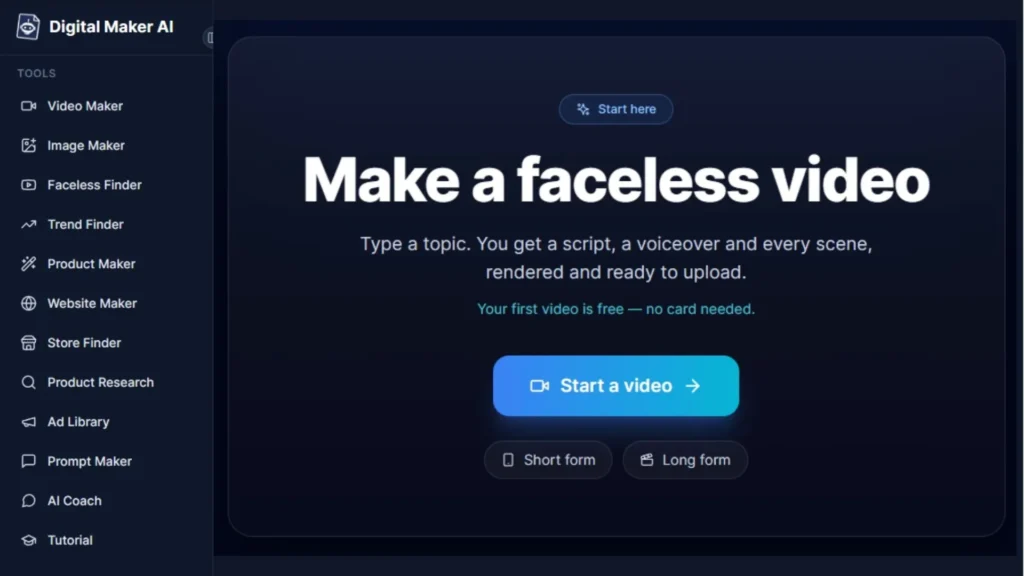
Digital Maker AI currently provides several research-oriented features, including Channel Research, Faceless Finder, Trend Finder, and product and competitor research. The free plan has limited access to some of these features.
The important point is not to assume that AI research automatically proves an idea will succeed.
It doesn’t.
Research is a starting point for investigation.
2. Create
Once you have a topic or problem worth exploring, you can start creating.
That could mean:
- A YouTube video
- A faceless video
- A blog article
- An Instagram post
- A social-media graphic
- An ebook
- A checklist
- A planner
- A spreadsheet
- A tutorial
This is where AI can become a practical assistant.
For example, Digital Maker AI currently includes tools for AI images, prompts, digital products, websites and faceless video creation, although access and limits vary by plan.
The goal isn’t to let AI decide everything for you.
The goal is to use AI to help you move from an idea toward something tangible.
3. Package
Here’s an important step that beginners sometimes overlook.
Information isn’t automatically a product.
You might know a lot about a subject.
But if you want to create something people can actually use, you need to package that knowledge.
For example:
Knowledge → Guide
Knowledge → Checklist
Knowledge → Workbook
Knowledge → Planner
Knowledge → Spreadsheet
Knowledge → Ebook
The packaging depends on the problem you’re trying to solve.
Digital Maker AI currently offers AI Ebook, Spreadsheet and Planner Maker tools, along with other digital-product features.
Again, the tool doesn’t replace the thinking.
You still need to determine whether what you’re creating is genuinely useful.
4. Market
You can create the most beautiful digital product in the world.
But if nobody knows it exists, you have a visibility problem.
That’s where content and marketing come in.
Your product might be supported by:
- YouTube videos
- Blog articles
- Facebook posts
- Instagram content
- Pinterest pins
- Threads
- A website
- Free educational resources
This is one reason I like thinking about the process as a connected system rather than a collection of isolated tasks.
Your content can help people discover your ideas.
Your ideas can lead people to useful resources.
Those resources can lead to your products or services.
What about faceless YouTube?
This is one area where the connection with AI becomes particularly interesting.
You don’t necessarily have to appear on camera to create YouTube content.
A faceless channel can use narration, visuals, graphics, characters, animation or other forms of visual storytelling instead of a traditional talking-head presentation.
But “faceless” doesn’t mean “effortless.”
You still need:
- A sensible niche
- Good topics
- Research
- Useful scripts
- Appropriate visuals
- Thumbnails
- Titles
- Consistency
- Analysis and improvement
AI can assist with parts of that process.
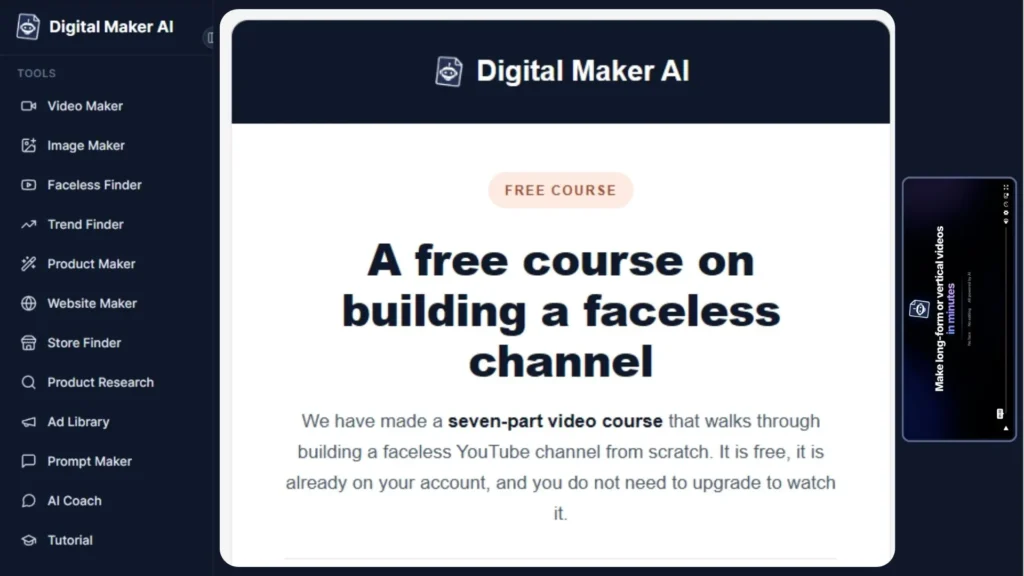
Digital Maker AI currently offers a free 7-lesson faceless YouTube tutorial. The lessons cover finding a niche, researching successful faceless channels, creating prompts, building characters and thumbnails, generating a first video, animating scenes and running the channel from Claude. The course is available after creating a free account.
That’s particularly interesting for someone who wants to learn by actually going through the process.
You don’t have to start with a huge business
This is perhaps the most important point I would make to a beginner.
You don’t need to start with:
“I’m going to build a massive online business.”
Start smaller.
You could start with:
One problem.
Then:
One useful piece of content.
Then:
One simple digital resource.
Then:
One audience.
Then:
One improvement at a time.
AI can help you work through some of these steps.
But the business still depends on your ideas, judgment, persistence, testing and willingness to learn.
So, can one AI platform do everything?
No — and I don’t think that’s the right question.
Different tools will always have different strengths.
Instead, I’d ask:
Can one platform handle enough of the workflow to make getting started simpler?
That’s what I’ve been exploring with Digital Maker AI since February.
The platform currently brings together tools for areas such as faceless video creation, AI images, research, digital products, prompts and websites. The exact capabilities and usage limits depend on the plan.
For me, that’s the interesting part.
Not the promise that AI will build a business for you.
But the possibility of having more of the building process available in one ecosystem.
Who might want to explore it?
Digital Maker AI may be worth exploring if you are interested in:
- Building a faceless YouTube channel
- Creating digital products
- Exploring AI-assisted content creation
- Researching business or content ideas
- Experimenting with AI images and graphics
- Building simple websites
- Learning how different AI workflows fit together
It may be particularly useful for beginners who don’t yet know which tools they need and want to experiment before committing to a complicated collection of platforms.
There is currently a free plan, and the official site also provides free tutorial resources.
My approach
I’ve been using Digital Maker AI since February 2026.
I’m still learning and experimenting with different ways to use AI in an online business.
And that’s exactly how I think beginners should approach this.
Don’t start by trying to master everything.
Pick one use case.
Learn the basics.
Try something.
See what works.
Then build from there.
Research → Create → Package → Market
One step at a time.
If you’d like to explore Digital Maker AI yourself, I’ve created a short page explaining why I’m using it and where you can get started.
You can also explore the free resources before deciding whether the platform is something you want to use.
Disclosure: I am an affiliate for Digital Maker AI. If you choose to purchase through my affiliate link, I may receive a commission at no additional cost to you.